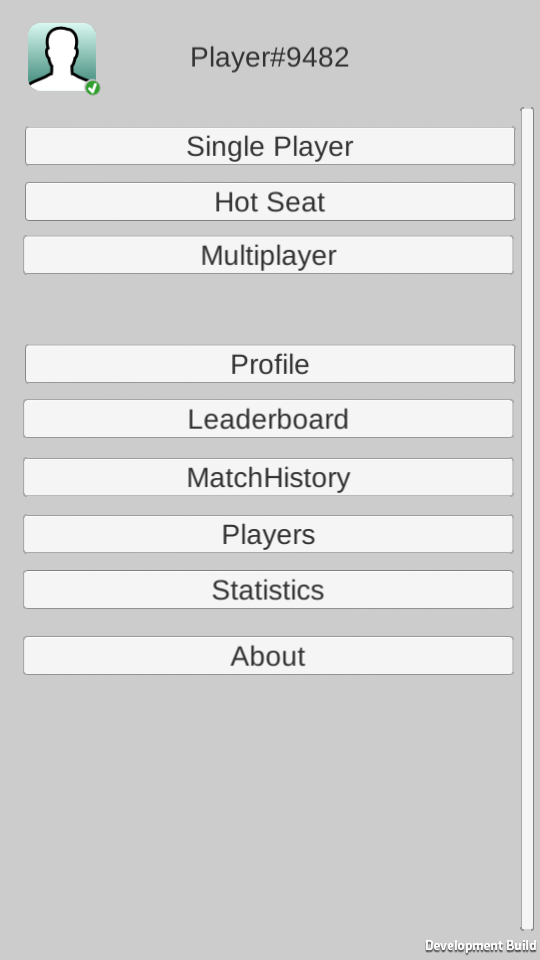
Run the sample project
-
Open
Assets/SmartySDK/Alpha/TicTacToefolder in Project panel. -
Open 'Build Settings' dialog (menu )
-
Select all Unity scene files in the
Assets/SmartySDK/Alpha/TicTacToefolder and drag them to the 'Build Settings' dialog 'Scenes In Build' area.Drag the 'TTTMainScene' scene to be in order position 0 as below.
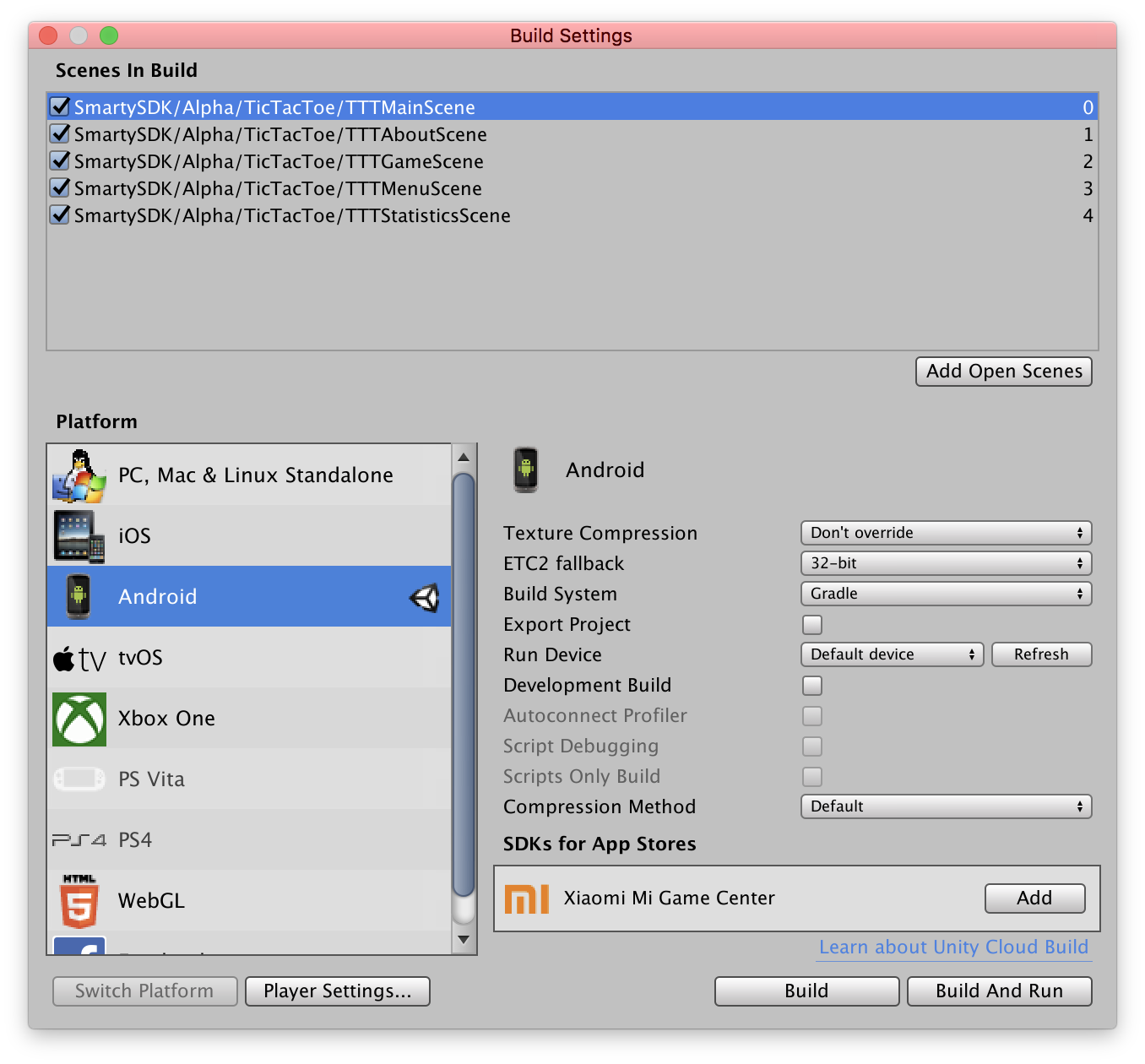
-
Follow below instructions to run the sample project on a device