Run your project on iOS
-
Ensure that you have filled in your
Bundle IdentifierandTeam IDin UnityPlayer Settings. -
Open 'Build Settings' (menu ).
-
Switch to iOS platform (select
iOSand click onSwitch Platform). -
Set
Run in XCode astoDebug. -
Check
Development Build.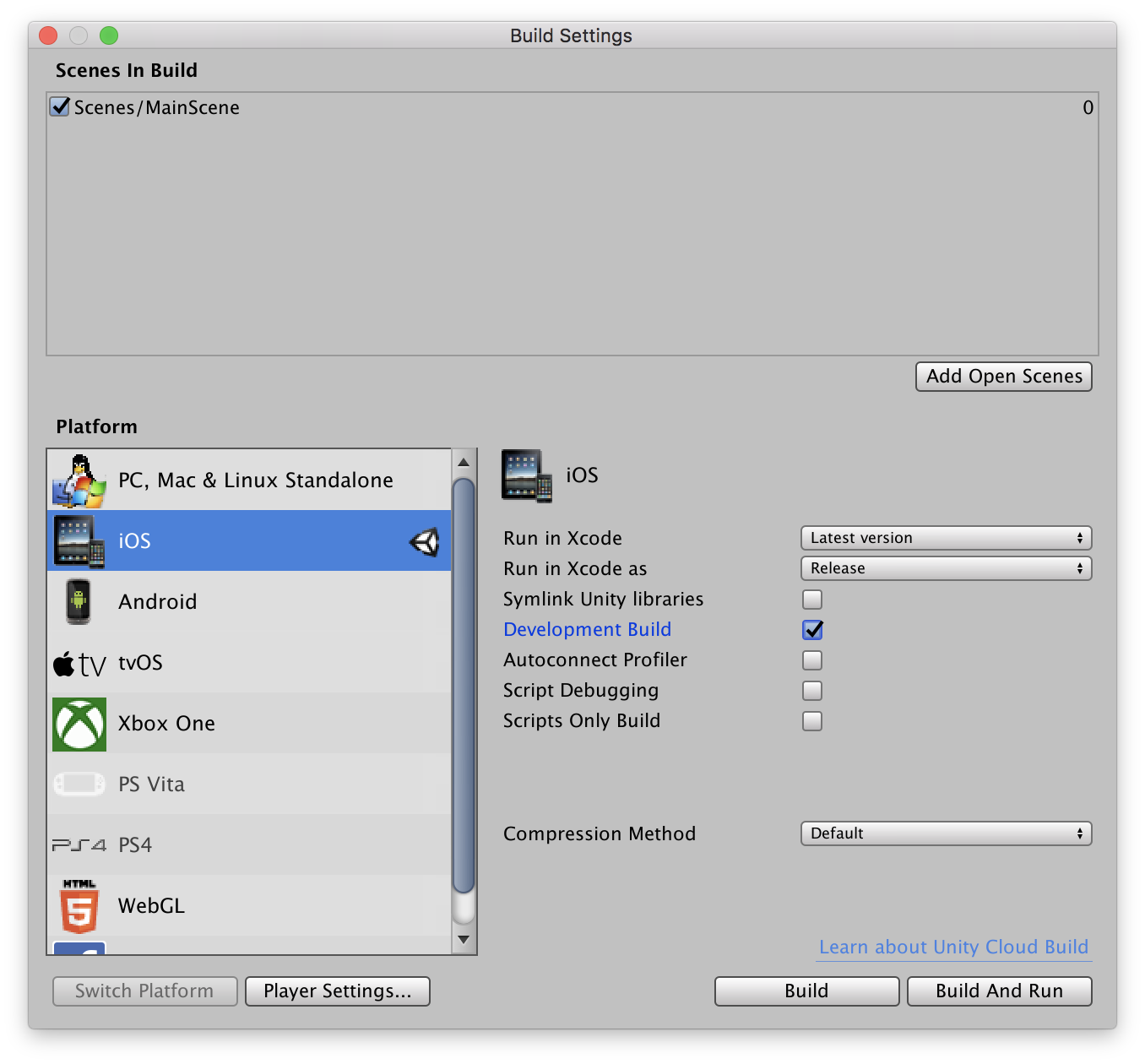
-
-
Attach iOS device.
-
Press
Build and Runbutton.-
For convenience, place your build in
Export/Androidfile.
-
-
XCode will show up, compile the project and run it on attached device.